
Loading…
Showing single-unit prices from shops that sell to the public.
Hassle-Free Exchanges & Returns for 30 Days. · 24-Month Limited Warranty. The TS5 is built from the ground up with connectivity in mind. It is packed full of essential ports ready to take your workflow to the next level. This dock features a combined total of 15 ports, including 4x Thunderbolt 5 80Gb/s ports. Having four Thunderbolt 5 ports is ideal for users that want the flexibility to connect the exact devices they want to the TS5. The 140W power delivery is perfect for even the most demanding laptops like the 16" MacBook Pro with M3/M4 Pro or Max chips that require 140W. The 240W power supply is more compact than previous generations, and the built-in 2.5GbE port is 2.5X faster than traditional 1GbE. The TS5 includes 5x USB ports, including 3x USB-C ports, and 2x USB-A ports. All of the USB-C ports provide 10Gb/s performance, and one of the front-facing USB-C ports provides up to 20W of power. The rest of the USB-C ports provide 7.5W of power. One of the USB-A ports provides 10Gb/s performance, and the second one provides USB 2.0 (480Mb/s) performance. Both USB-A ports provide 7.5W of power for accessories. All of the USB 10Gb/s ports, and all of the Thunderbolt 5 ports provide offline charging functionality (The USB 2.0 port does not support offline charging). When connecting displays to the TS5, the dock supports up to dual 4K 240Hz displays on Macs that support these resolutions. On supported Windows Thunderbolt 5 PCs, the TS5 supports up to triple 4K 144Hz displays1 . On M5 Pro, TS5 can support up to three displays and on M5 Max, TS5 can support up to four displays. The TS5 is compatible with Thunderbolt 5, Thunderbolt 4, USB4 and USB4 v2 Macs/PCs, and USB-C based computers. It is also compatible with Thunderbolt 3 Macs. For maximum functionality the TS5 should be used with a Thunderbolt 5 or USB4 v2 host computer. All About The Ports The TS5 is built from the ground up with connectivity in mind. It is packed full of essential ports ready to take your workflow to the next level. This dock features a combined total of 15 ports, including four Thunderbolt 5 80Gb/s ports. In addition to all of this connectivity, the TS5 will charge your laptop up to 140W. BIG ON PORTS. Delivering 15 ports, all of which can be used at the same time, this dock packs all the ports most of us would ever need. Get Connected The TS5 is compatible with Thunderbolt 5, Thunderbolt 4, Thunderbolt 3, USB4, USB4 v2, and USB-C host computers. M1/M2/M3/M4/M5 Pro, M1/M2/M3/M4/M5 Max & M1/M2/M3 Ultra Mac M1/M2/M3/M4/M5 Mac Thunderbolt 5 PC Thunderbolt 4 PC Thunderbolt 3 Mac USB4 & USB4 v2 PC Intel Thunderbolt 3 Mac USB-C Mac or PC Thunderbolt iPad Thunderbolt Chromebook 140W Power Delivery The TS5 provides up to 140W power delivery for even the most demanding laptops. This makes it ideal for laptops like the 16 MacBook Pro with M4 Pro or M4 Max chips which require 140W. Whilst many other Thunderbolt 5 docks state that they can charge at up to a certain wattage, they actually include an insufficient power supply. These docks will allocate host power based on how many devices are connected to them. Some of the host power will move to newly attached devices, thereby reducing the power delivery. Rest assured that the CalDigit TS5's power supply will always provide the full 140W power delivery, and will never drop that performance even when new devices are connected to the TS5. For laptops or tablets that require less than 140W, the TS5 will only supply the wattage required by your device. Thunderbolt 5 The TS5 features four 80Gb/s bi-directional Thunderbolt 5 ports, which are double the performance of Thunderbolt 4. The PCIe performance of the the Thunderbolt ports have been doubled from the previous generation to 64Gb/s PCIe 4.0. This is ideal if you are intending on connecting high performance SSDs or RAID devices to the TS5. This powerful dock will support transfer speeds up to 6,200MB/s. 5 Powerful USB Ports The TS5 features 5 USB ports in order to attach multiple accessories to the dockx. Four of the USB ports on the TS5 offer 10Gb/s performance, and one of the USB-A ports provides USB 2.0 performance for keyboards or mice. xUSB-C & USB-A ports are for data only. Monitors must be connected to the spare Thunderbolt 5/USB4 v2 ports. 20W USB-C Port One of the front-facing USB-C ports features 20W in order to provide more power for accessories. This is ideal for devices that require more than 7.5W of USB power such as an iPhone, Apple Watch, and iPad Pro. Single, Dual, Triple or Quad Displays Whether you need a high-resolution display, a high-refresh rate display, or up to 4 external displays, the TS5 has you covered. Single Monitor If you're looking to add a single monitor to the TS5 you can connect it to one of the spare Thunderbolt 5 ports. If you wish to connect an HDMI monitor you can use a USB-C to HDMI Adapter xxx. Dual Monitors macOS users on base M5, M4, M1/M2/M3/M4 Pro, M1/M2/M3/M4 Max, M1/M2/M3 Ultra, or Intel based Macs can connect up to dual displays. M1/M2/M3 based Macs are limited to 1 external monitor by design via their Thunderbolt ports. Windows PC Thunderbolt 5 and Thunderbolt 4 users can connect up to dual displays. Triple Monitors macOS users on base M5, M4, M1/M2/M3/M4 Pro, M1/M2/M3/M4 Max, M1/M2/M3 Ultra, or Intel based Macs do not support triple displays. macOS users on M5 Pro & M5 Max can connect three displays. Windows PC Thunderbolt 5 users can connect up to three displays on supported host computers. Windows PC Thunderbolt 4 users cannot connect three displays natively. Quad Monitors macOS users on M5 Max can connect up to four displays. 80Gb/s Bidirectional Performance & 120Gb/s Boost Mode The latest version of Thunderbolt doubled the bandwidth allocation from the previous generation by transmitting up to 80Gb/s in both directions. This unrivalled power gives the TS5 unmatched performance when sending and receiving files, making it ideal for ultra-fast storage devices. Thunderbolt 5's performance doesn't stand still. It dynamically adapts to your workflow's needs. The TS5 swaps between sending and receiving 80Gb/s in both directions to delivering up to 120Gb/s performance in Bandwidth Boost mode for your powerful displays. If your monitor needs more performance, Thunderbolt 5 will provide it. All of this happens without the user ever thinking about it. It's that simple. This unmatched versatility of Thunderbolt 5 allows the TS5 to support resolutions up to 8K, quad displays on supported computers, and ultra high refresh-rates. A feature-set that only Thunderbolt 5 can provide. Connect up to Triple or Quad Displays Thunderbolt 5 allows for 3 external monitors to be connected to a Thunderbolt 5 host computer that supports triple displays, such as the MacBook Pro with M5 Pro. With an M5 Max, the TS5 can even support up to 4 external monitors from a single connection by either directly connecting 3 displays, and daisy-chaining the 4th display, or by connecting one display and adding 3 more to the daisy-chainx. 2.5 Gigabit Ethernet The TS5 features a 2.5 Gigabit Ethernet port for outstanding performance.x 2.5GbE is 2.5x faster than traditional Gigabit Ethernet, and is becoming the new standard for routers, switches, and NAS devices.x Of course you can use the 2.5GbE port on the TS5 with traditional 1GbE Ethernet devices. xEthernet is only supported on Thunderbolt based hosts as well as USB4 hosts that support PCIe. Please contact your USB4 host manufacturers for PCIe support information. Tablets & Phones Connect the TS5 to your Thunderbolt iPad, or Windows Thunderbolt tablet, and take your workflow to the next level. The TS5 is also compatible with USB-C Tablets and iPhones. SD & microSD 4.0 UHS-II The TS5 features both microSD and SD card readers on the front of the device for easy access. Both ports offer UHS-II performance and can be used at the same time. 8 Offline Charging Ports All of the USB 10Gb/s ports and all of the Thunderbolt ports on the TS5 provide offline charging. 8 Ports in total. This function allows those specific ports the ability to charge your USB devices, such as phones and tablets, even when the TS5 is not connected to a host device. Apple SuperDrive Devices such as the Apple SuperDrive are recommended by Apple to be directly connected to a laptop as they require extra power. CalDigit has developed a driver for the SuperDrive so that it can be directly connected to the TS5. xRequires a one-time driver install. Rear Host Port Most generic Thunderbolt docks feature a front host Thunderbolt port which results in messy cable management. The The TS5 unique rear Thunderbolt 5 host port features a more elegant solution for a clean desktop experience. Docking Station Utility Individually disconnecting all the external drives connected to a dock can be a hassle. To solve this CalDigit includes a free macOS utility that allows you to instantly disconnect all of your connected external drives with one clickx. Specifications Interface 1 x Thunderbolt 5 Host (Up to 120Gb/s) 3 x Thunderbolt 5 (80Gb/s) 3 x USB-C (10Gb/s) 1 x USB-A (10Gb/s) 1 x USB-A (480MB/s) 1 x SD 4.0 (UHS-II) 1 x microSD 4.0 (UHS-II) 1 x 2.5 Gigabit Ethernet 1 x Front Combo Audio In/Out (3.5mm) 1 x Rear Audio Out (3.5mm) 1 x Rear Audio In (3.5mm) 1 x DC In (20V 12A) Minimum System Requirements macOS 15 or above Windows 11 or above iPadOS Chrome OS Thunderbolt 5 Computer Thunderbolt 4 Computer Thunderbolt 3 Mac USB-C (USB4 or USB4 v2) Computer USB-C Mac, PC, Tablet, Phone Thunderbolt/USB4 iPad Power Delivery Thunderbolt 5/USB4 Host Port: Up to 140W Each Downstream Thunderbolt 5/USB4 Port: 15W Front 20W USB-C Port: 20W Remaining USB-C Ports: 7.5W USB-A Ports: 7.5W What's in the box 1 x CalDigit TS5 Thunderbolt 5 Dock - Space Grey 1 x Thunderbolt 5 Braided Cable (1.0m) 1 x Power Supply (240W) 1 x Power Cord 2 x Rubber Feet Strips
Sold by Mukana Mall
Pay cash on delivery.
This listing quotes in US dollars. That is the binding price. Rate set 1 Nov.
This item is sold by
No reviews on Mukana Hub yet.
Nobody has reviewed this item on Mukana Hub. That is not a mark against it — most listings here are new. The shop's own rating, on its page, covers everything else it sells.
Stock from the same shop — all on one order and one delivery.
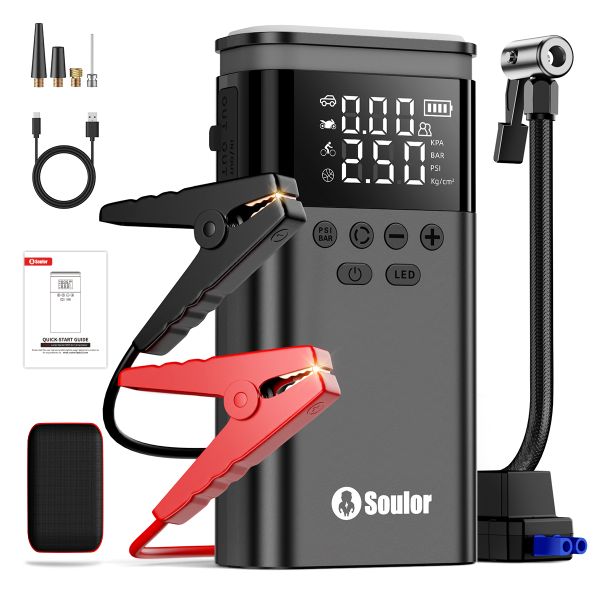 5-in-112V CarJumpStarter,Built-in AirCompressor PowerBank&EmergencyLEDLight$114.99
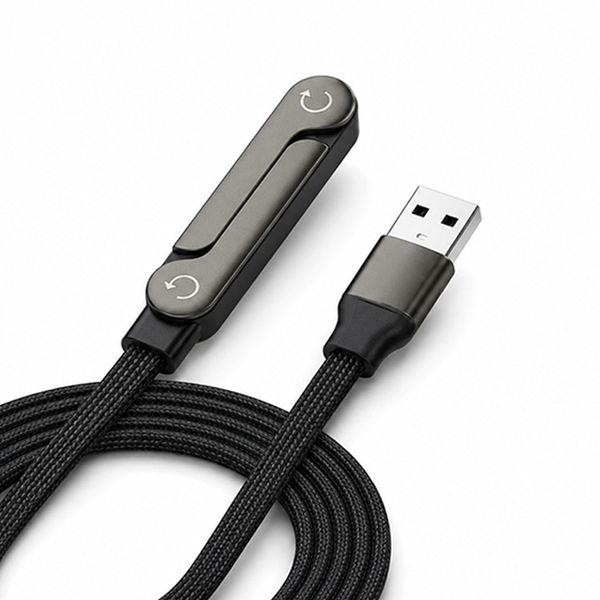 1.5M USB C Fast Charging Cable for Android and iPhone 15 65W$8.99
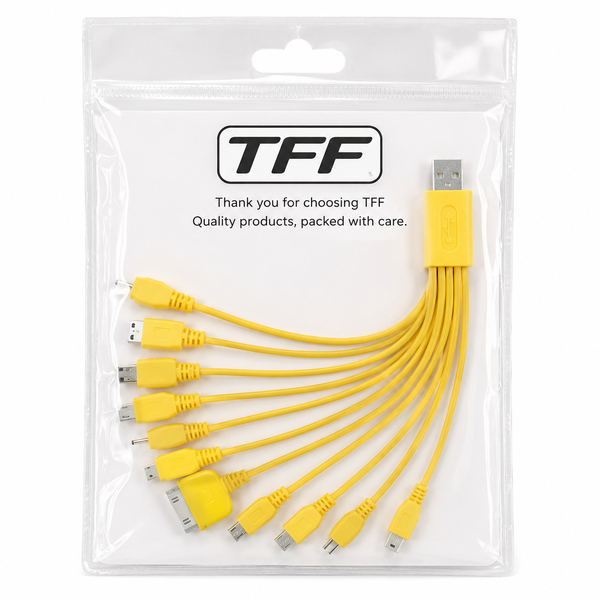 TFF MultiCharge 10-in-1 USB Charging Cable - Yellow$23.99
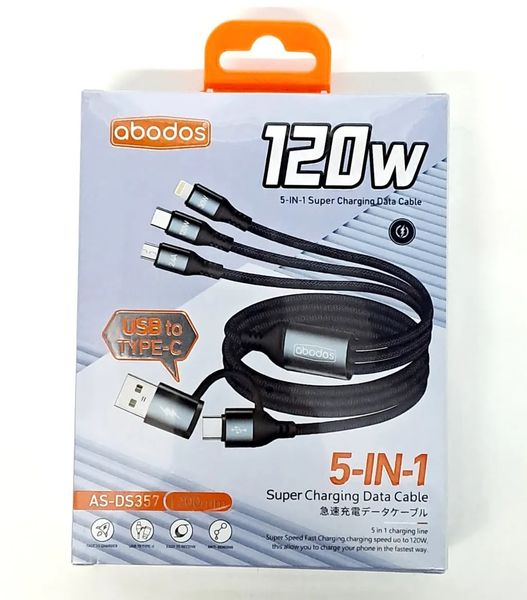 ABODOS 5-in-1 USB Charging Cable AS-DS357 120W 1.2M$23.99
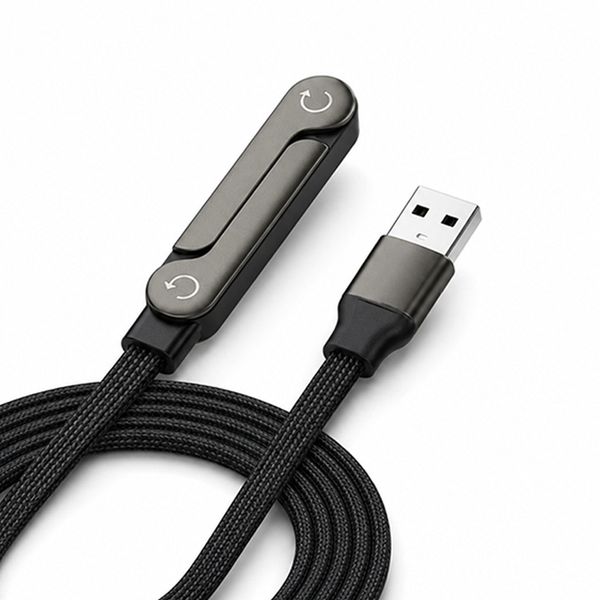 USB C Data Cable 65W Fast Charging 1.5M with Foldable Phone Stand$11.99
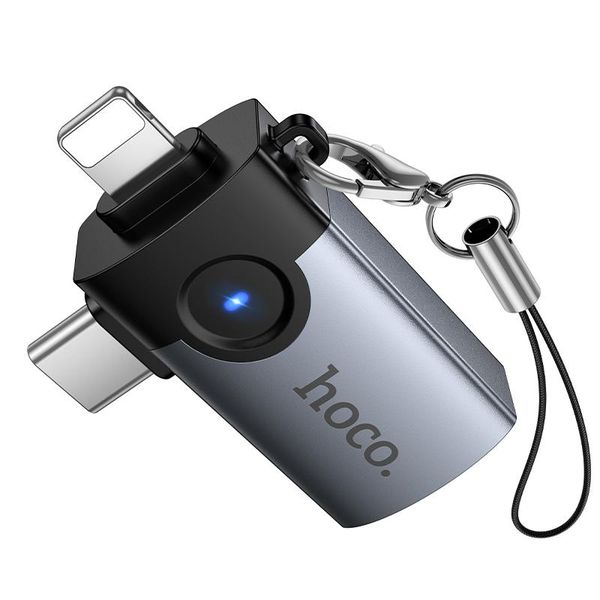 hoco UA46D 2 in 1 Lightning & USB-C / Type-C Male to USB Female Adapter$22.99
Similar Mobile Accessories from other shops on Mukana Hub.
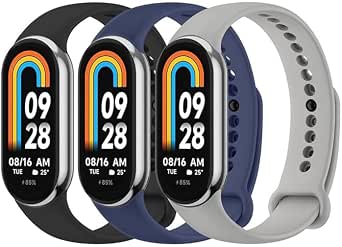 3 Pack Silicone Replacement Strap for Xiaomi Smart Band 8/9 - Black/Midnight Blue/Gray$17.99Mukana Direct
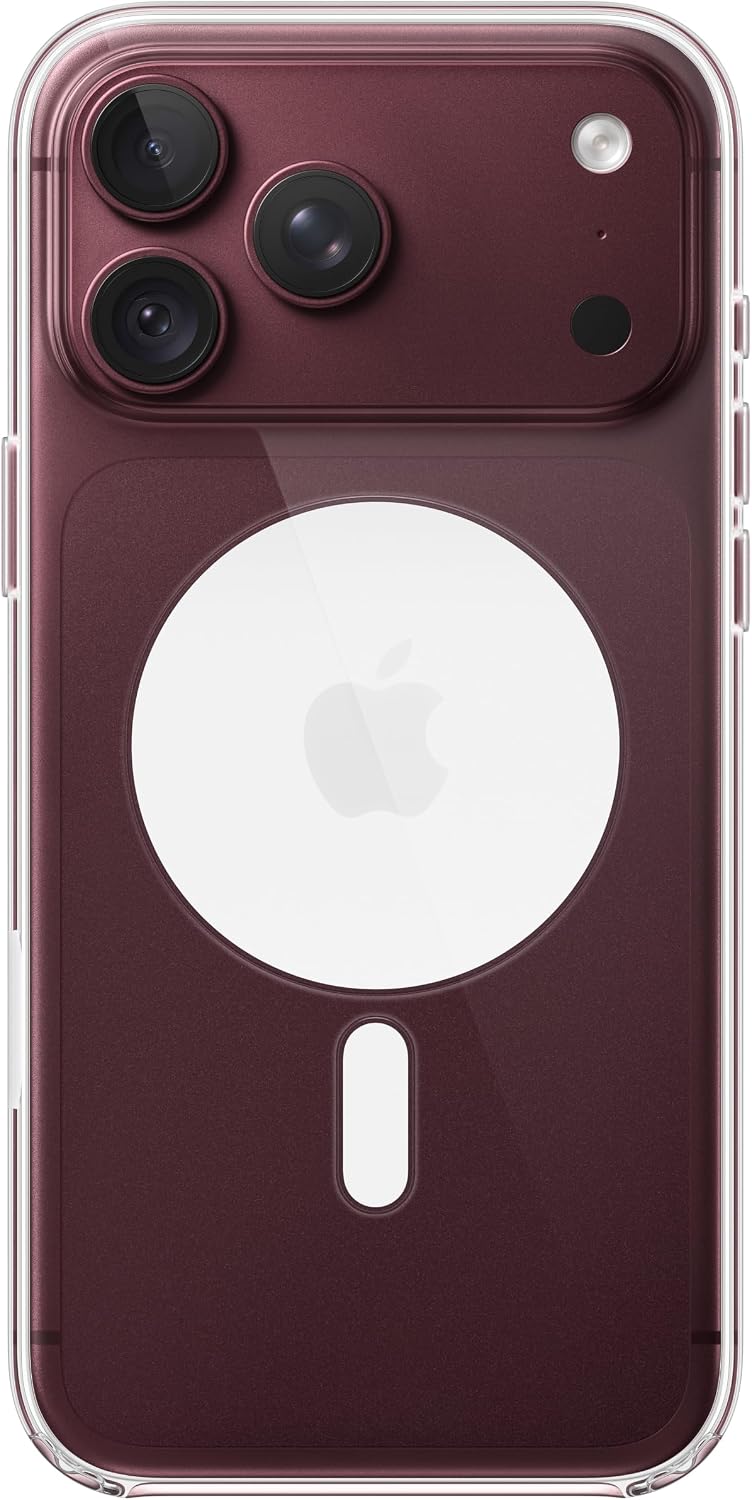 Apple iPhone 18 Pro Max Clear Case with MagSafe$89.99Mukana Direct
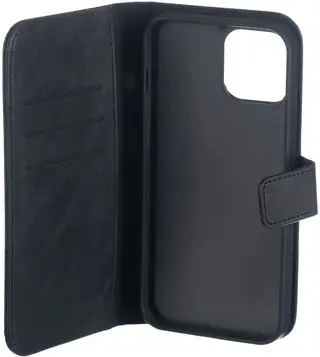 Superfly Snap 2-in-1 Wallet Flip Phone Case for iPhone 12 Pro Max, Black$5.99Mukana Direct
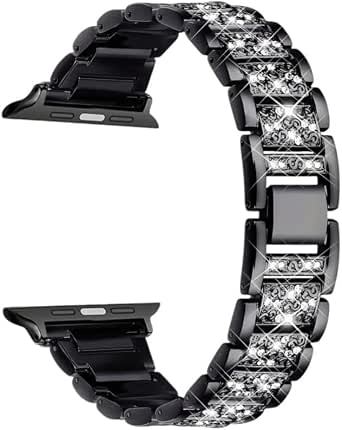 Rhinestone Metal Watch Strap for Apple Watch - 42/44/45/49mm Elegant Design Secure Closure - Black$13.99Mukana Direct
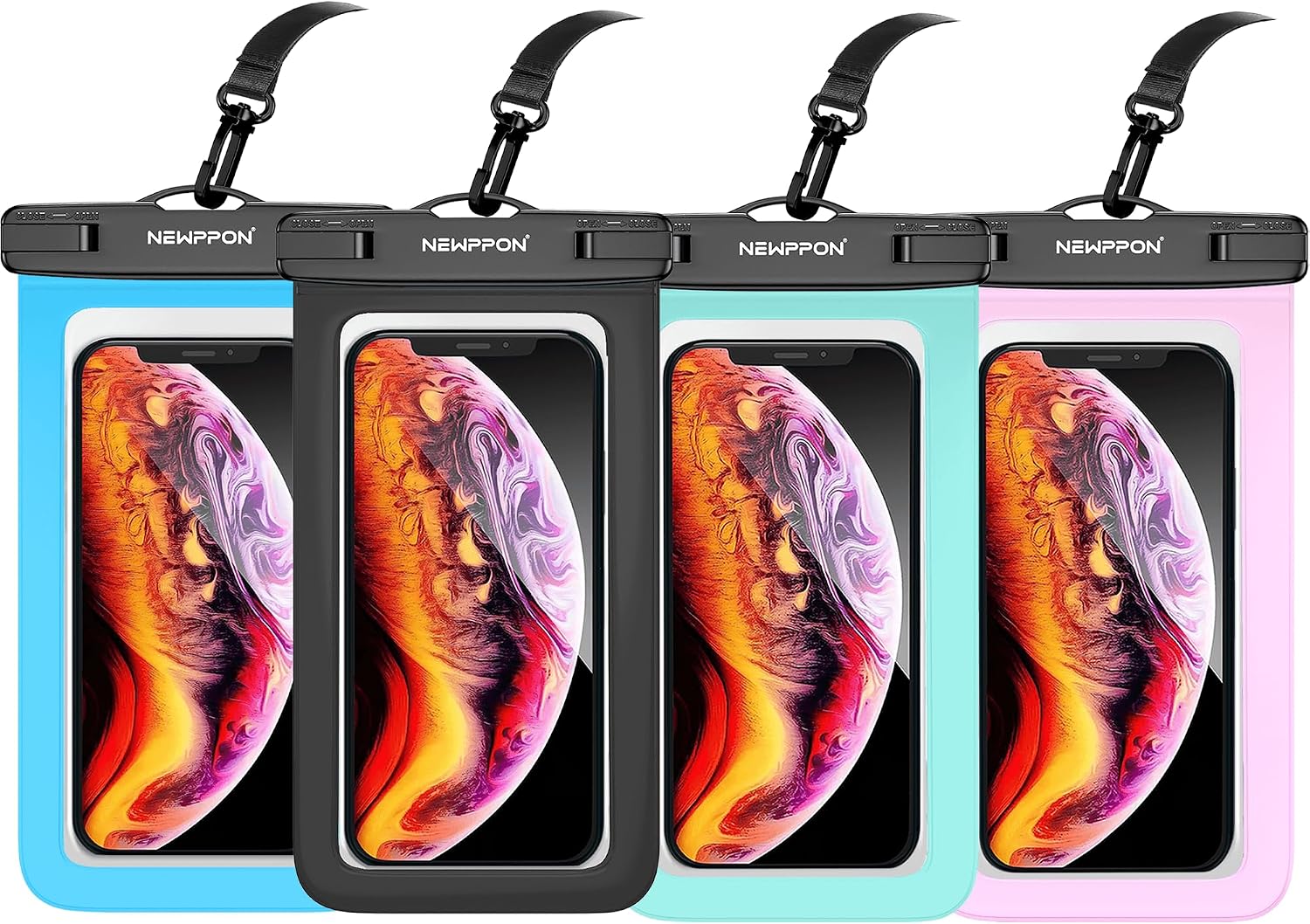 Waterproof Cell Phone Pouch : 3 Pack Underwater Dry Bag Case Lanyard - Water Proof Clear Holder Protector for iPhone 15 14 13 Pro Max Plus Samsung Galaxy S23 S22 Ultra Note for Beach Swimming$10.99Mukana Direct
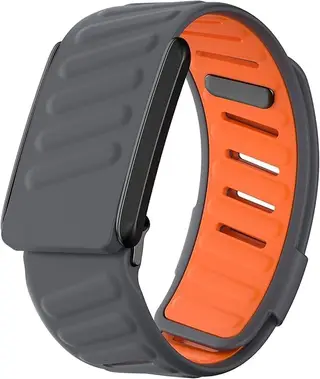 Comfort Durable Silicone Wristband Compatible with WHOOP 4.0/3.0 Band, Soft Silicone Sports Loop Strap for Men & Women-Orange$24.99Mukana Direct
Nothing is charged on Mukana Hub. MukanaHub confirms stock, arranges payment and delivers, and your browser keeps an order copy.
No shop warranty stated. Statutory rights still apply — see Terms.
No shop policy stated. 7-day cancellation and 6-month defective-goods rights still apply — see Terms.