
Loading…
Showing single-unit prices from shops that sell to the public.
Sold by Mukana Mall
Pay cash on delivery.
This listing quotes in US dollars. That is the binding price. Rate set 2 Nov.
Hassle-Free Exchanges & Returns for 30 Days. · 12-Month Limited Warranty. ABOUT THE PRODUCT The eufy G50 Hybrid is a compact robot vacuum and mop designed for everyday floor care, offering strong suction and app-connected features in a slim body. It is suitable for small to medium homes, especially those with pets, mixed flooring, and users who want convenient automated cleaning without a complex setup. The model provides 4000 Pa suction power with a 400 ml dust box and 200 ml water tank. It solves the challenge of maintaining clean floors by combining vacuuming and light mopping in one device while minimising maintenance through its Pro-Detangle roller brush. Its value comes from its quiet operation, app control via Bluetooth and Wi-Fi, compatibility with voice assistants, and the ability to clean under most low furniture thanks to its 81 mm height. NOTE: This entry level Robot Vacuum used Gyro Navigation technology, meaning it navigates by re-directing if it comes into contact with obstacles. This can cause it to "bump" into walls and furniture. KEY FEATURES 4000 Pa Suction Power : Removes dust, crumbs, and pet hair effectively. Hybrid Mopping System: 200 ml water tank and soft mop pad for light surface cleaning. Pro-Detangle Roller Brush: Automatically detangles hair to reduce manual upkeep. Quiet Cleaning: Operates at approximately 55 dB for minimal disturbance. Dynamic Navigation: Cleans in a methodical Z-shaped pattern for better coverage. xNOTE: This entry level Robot Vacuum used Gyro Navigation technology, meaning it navigates by re-directing if it comes into contact with obstacles. This can cause it to "bump" into walls and furniture. Bluetooth and Wi-Fi Connectivity: Enables setup, control, scheduling, and smart features in the eufy Clean app. This model does NOT have mapping. Voice Assistant Support: Compatible with Amazon Alexa and Google Assistant. CLEANING PERFORMANCE AND CARE Type: Vacuum and Mop Suction Power: 4000 Pa Navigation: Dynamic gyroscopic navigation with Z-shaped cleaning Smart Control: Yes via Bluetooth, Wi-Fi, Amazon Alexa, and Google Assistant EASE OF USE AND MAINTENANCE Run Time Estimate: 120 minutes or more Dock: Yes Dock Water Capacity: None (200ml Onboard device) Waste Tank Capacity: 400 ml Self-Charging: Yes Self-Emptying: No Self-Cleaning: No Emptying/Refilling Frequency: Dependant on use MEASUREMENTS AND WEIGHT Vacuum Measurements: 33 × 33 × 8cm Vacuum Weight: 3.7KG NAVIGATION AND MAPPING: PLEASE READ The G50 uses gyroscope navigation and does not create a map Room selection, zone cleaning and no-go zones are not supported For spot areas, use the app remote control or carry the robot there Brief pauses about every minute are normal recalibration, not a fault If it moves randomly, switch from Random to Arranged mode in the app (Random is best for carpets) Clear cables and small objects, and block off stairs and fireplaces before cleaning Fold rug tassels under and avoid rugs thicker than 25 mm FIRST-TIME SETUP Remove the foam blocks from the bumper Place the base against a wall on a hard, level floor, with 0.5 m clear on each side and 1.5 m in front Keep the base plugged in at all times Charge fully before first use (up to 5 hours) Download the eufy Clean app, create an account, tap + and follow the Wi-Fi steps Connect to 2.4 GHz Wi-Fi only, as 5 GHz is not supported Keep the phone, robot and router close during setup No paper manual is included, so scan the QR code on the box for the e-manual FIRMWARE UPDATE Dock the robot and confirm your Wi-Fi is stable Open the app, select the robot, tap the three dots at top right, then Firmware Update Do not switch off or use the robot during the update The indicator light turns off while updating, which is normal TROUBLESHOOTING Wi-Fi won't connect: hold Power and Recharge together for 3 seconds until the voice prompt, then repeat the app setup Solid red light: the Wi-Fi connection has dropped Slow flashing red light: there is an error or low battery, so check the app Won't dock or charge: clear space around the base, wipe the charging pins and check the base is powered Odd movement or weak suction: wipe the sensors, empty the dust box, rinse and dry the filter, and remove hair from the roller brush Schedules lost: schedules are erased when the robot is powered off or reset, so set them again in the app What's in the box 1 x RoboVac G50 Hybrid (T2212) 1 x Charging Base 1 x Power Adapter 1 x Cleaning Tool 1 x Side Brush 1 x Dust Box with Water Tank 1 x Washable Mopping Cloth 1 x Mopping Module
This item is sold by
No reviews on Mukana Hub yet.
Nobody has reviewed this item on Mukana Hub. That is not a mark against it — most listings here are new. The shop's own rating, on its page, covers everything else it sells.
Stock from the same shop — all on one order and one delivery.
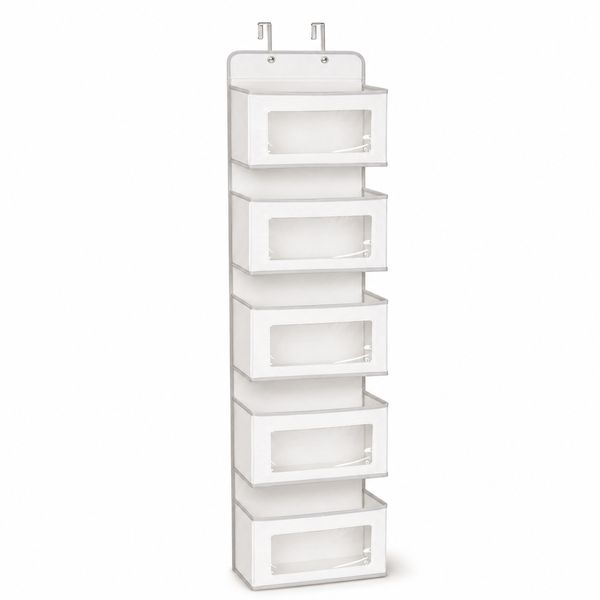 5 Shelf Over The Door Hanging Organizer with Clear Window & 2 Hooks$44.99
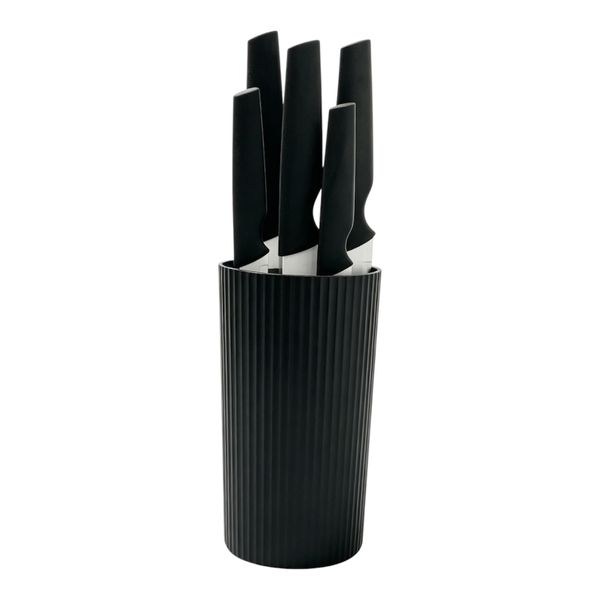 Danny Home Practical Holder&5 Knife Set-DH4337$28.99
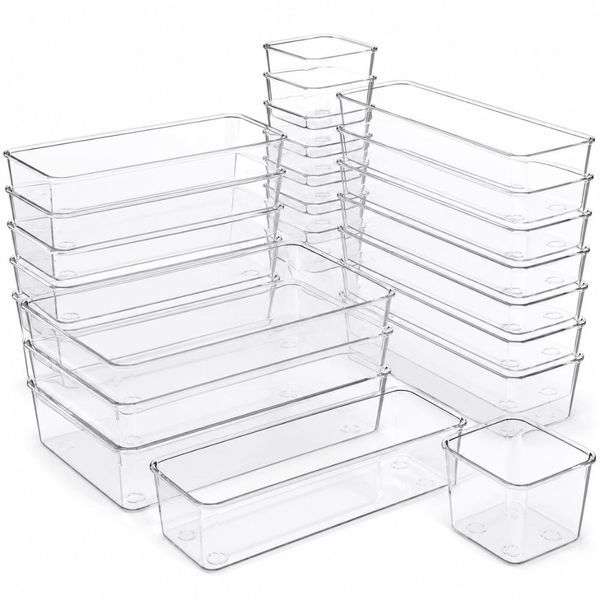 Bestby 25 Piece Clear Drawer Organizer Bins for Home and Office Storage$26.99
 MEBUPOL Boxing Glove Cup,Original Drinking Cup,Resin Exterior Stainless - Black$77.99
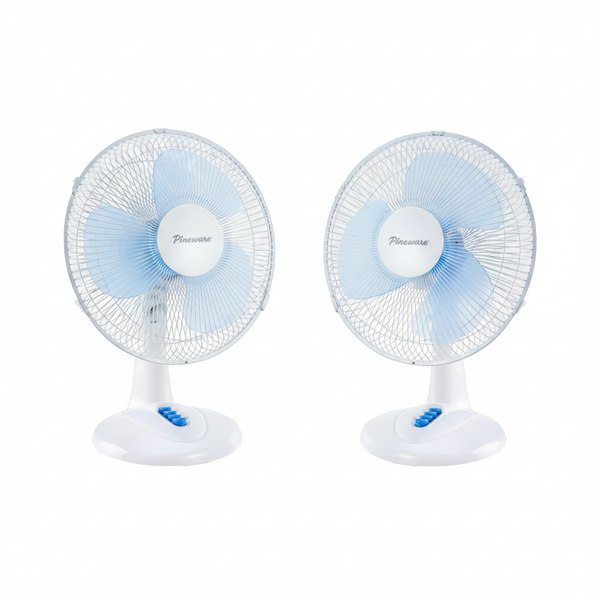 Pineware 30cm White Plastic Desktop Fan with Oscillation & 3 - 2 Pack$104.99
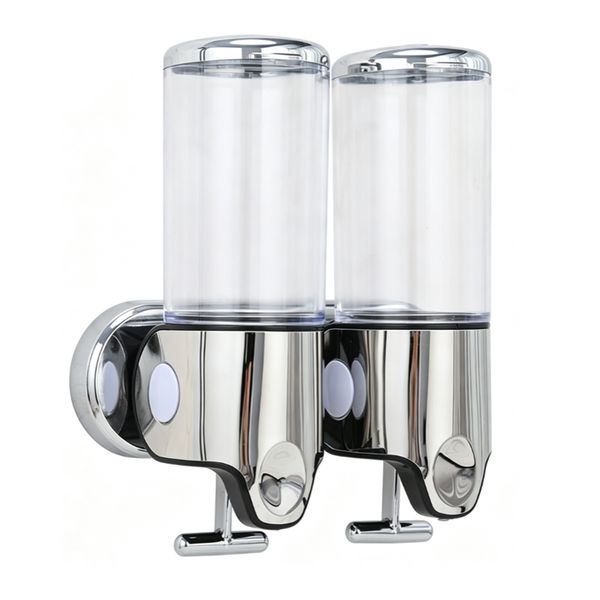 Wall Mounted 2 Piece Soap Dispenser | Stainless Steel & White Plastic$24.99
Similar Household from other shops on Mukana Hub.
 TEANAGOO Ceramic Japanese Tea Cup, 7.2Oz / 205 ml, Lt.Grey, H5, 4 Pcs/box, Occupied Japan Tea Cups, Chinese Tea Cup, Asian Tea Cups, Asian Tea Cups no Handles, korean tea cup Ceramic Cup for Tea$40.99Mukana Direct
 HMASYO Wood Chain Link Decor – 22" Hand Carved 5-Link Wood Knot Decorative Chain Wood Decor, Rustic Wood Link Decorative Object Large Wooden Chain for Home Living Room Coffee Table Farmhouse$37.99Mukana Direct
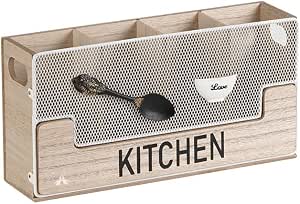 ALANES Kitchen Utensils Holder Wooden Flatware Organizer 4 Compartments For Kitchen Countertop, Farmhouse Kitchen Decor, Rustic Cooking Utensil$22.99Mukana Direct
 Malden International Designs Modern Pewter Metal Diecast Friends Expressions Picture Frame, 4x6, Silver$15.99Mukana Direct
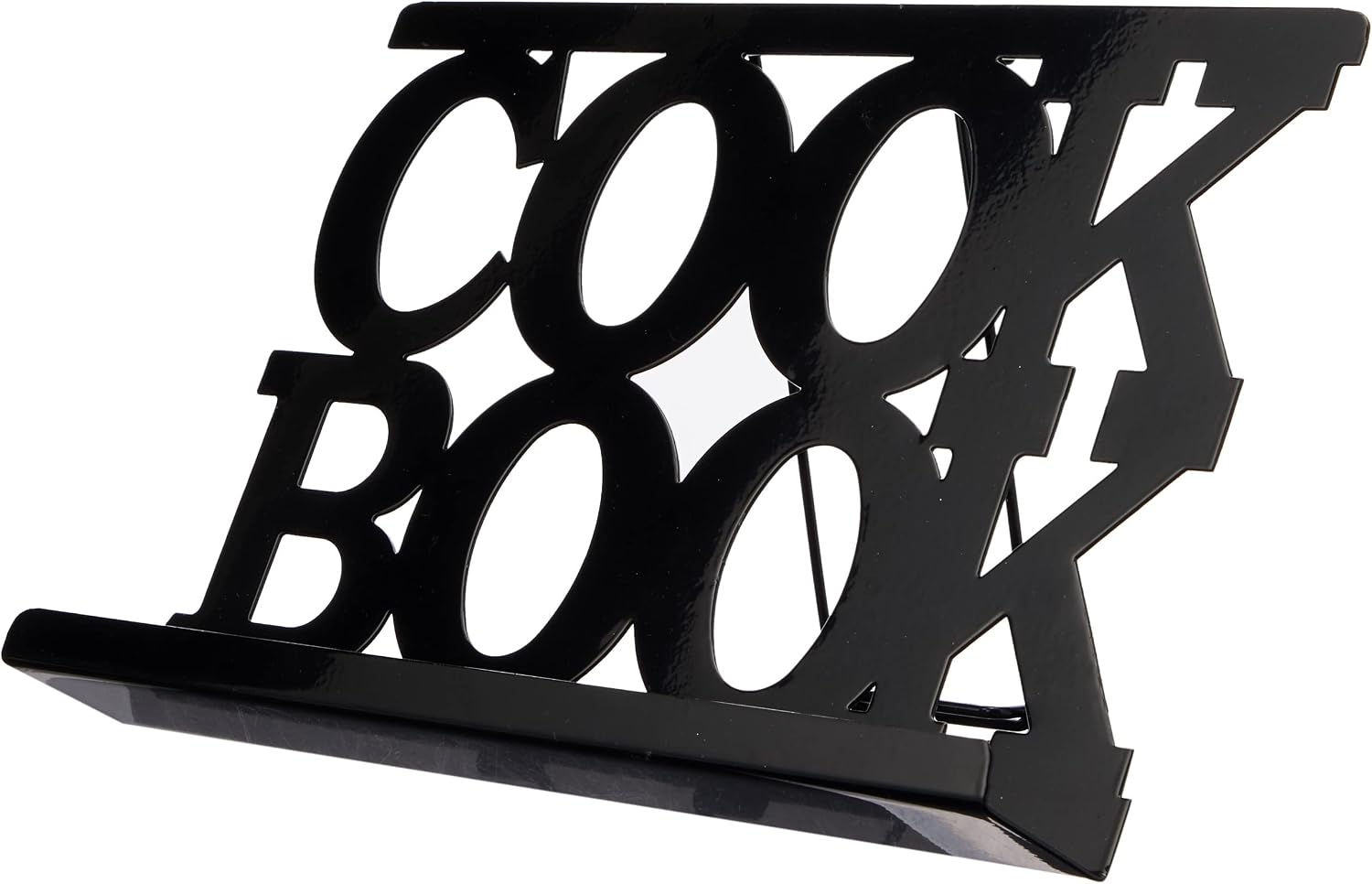 Premier Housewares Cookbook Stand - Black$11.99Mukana Direct
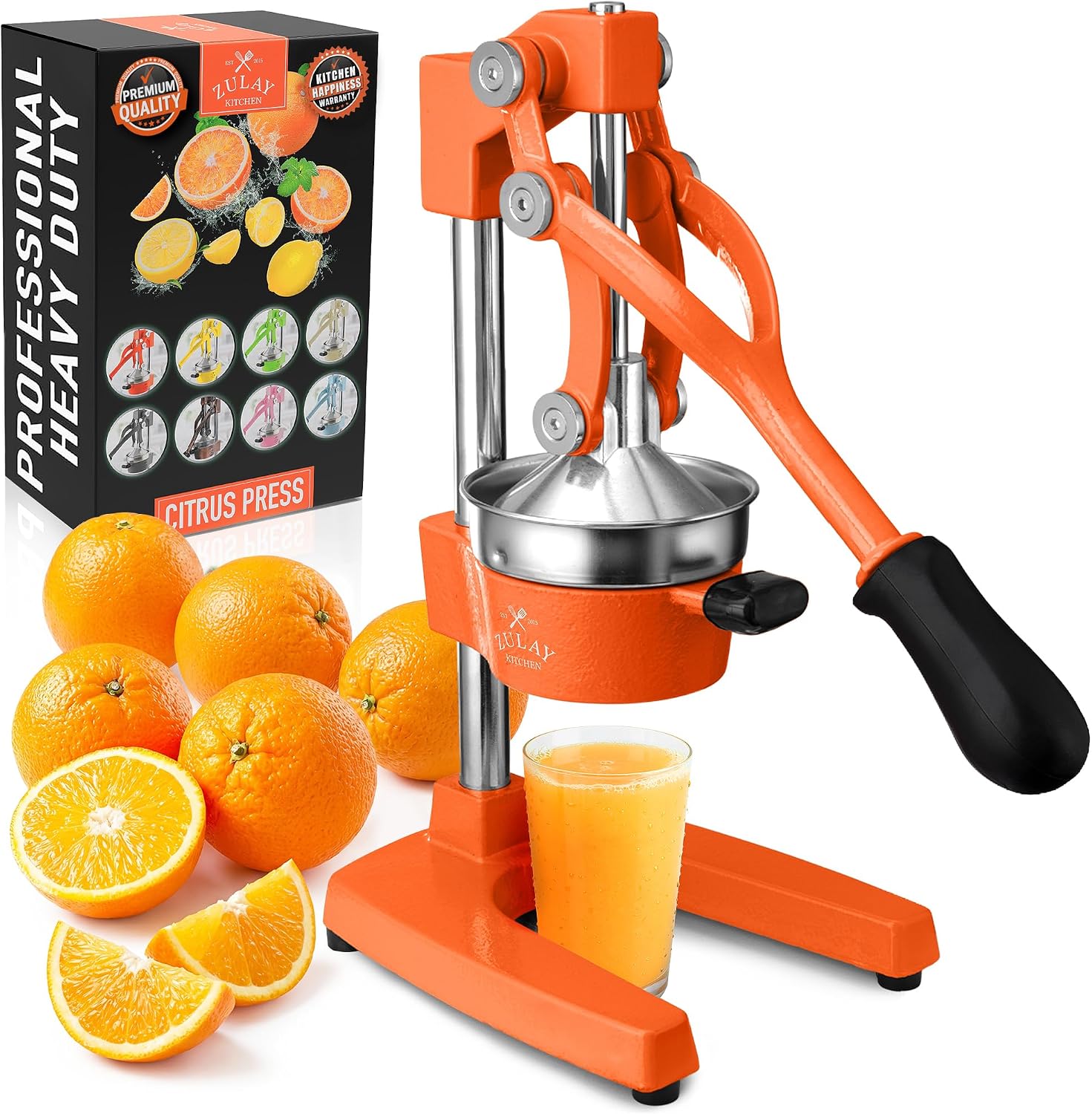 Zulay Kitchen Cast-Iron Orange Juice Squeezer - Heavy-Duty$534.99Mukana Direct
Nothing is charged on Mukana Hub. MukanaHub confirms stock, arranges payment and delivers, and your browser keeps an order copy.
No shop warranty stated. Statutory rights still apply — see Terms.
No shop policy stated. 7-day cancellation and 6-month defective-goods rights still apply — see Terms.